Tenancy Management
Organizations, workspaces, memberships, roles, and service accounts.
Railgrid is multi-tenant from the ground up. Every user operates inside a workspace, which belongs to an organization — and because the hub creates a personal organization with a default workspace for every new identity, single-user hubs get all of this without ever noticing it.
The model
Organization  ("acme")                ← billing/teams boundary; has members
└── Workspace ("prod", "staging")    ← where edges, providers, resources live
└── edges, MCP servers, provider resources ...- An organization groups people and workspaces. Everyone gets a personal org automatically on first login; you create more for teams (
POST /api/orgs, or the portal’s org switcher). - A workspace is the unit of isolation: your edges, enabled providers, and resources live in exactly one workspace. Under the hood each workspace is its own kcp logical cluster in the hub’s workspace tree (
root:railgrid:tenants:<org>:<workspace>), so isolation is structural, not filter-based. - Workspaces can contain edge mounts — the per-edge sub-workspaces
railgrid connectnavigates into.
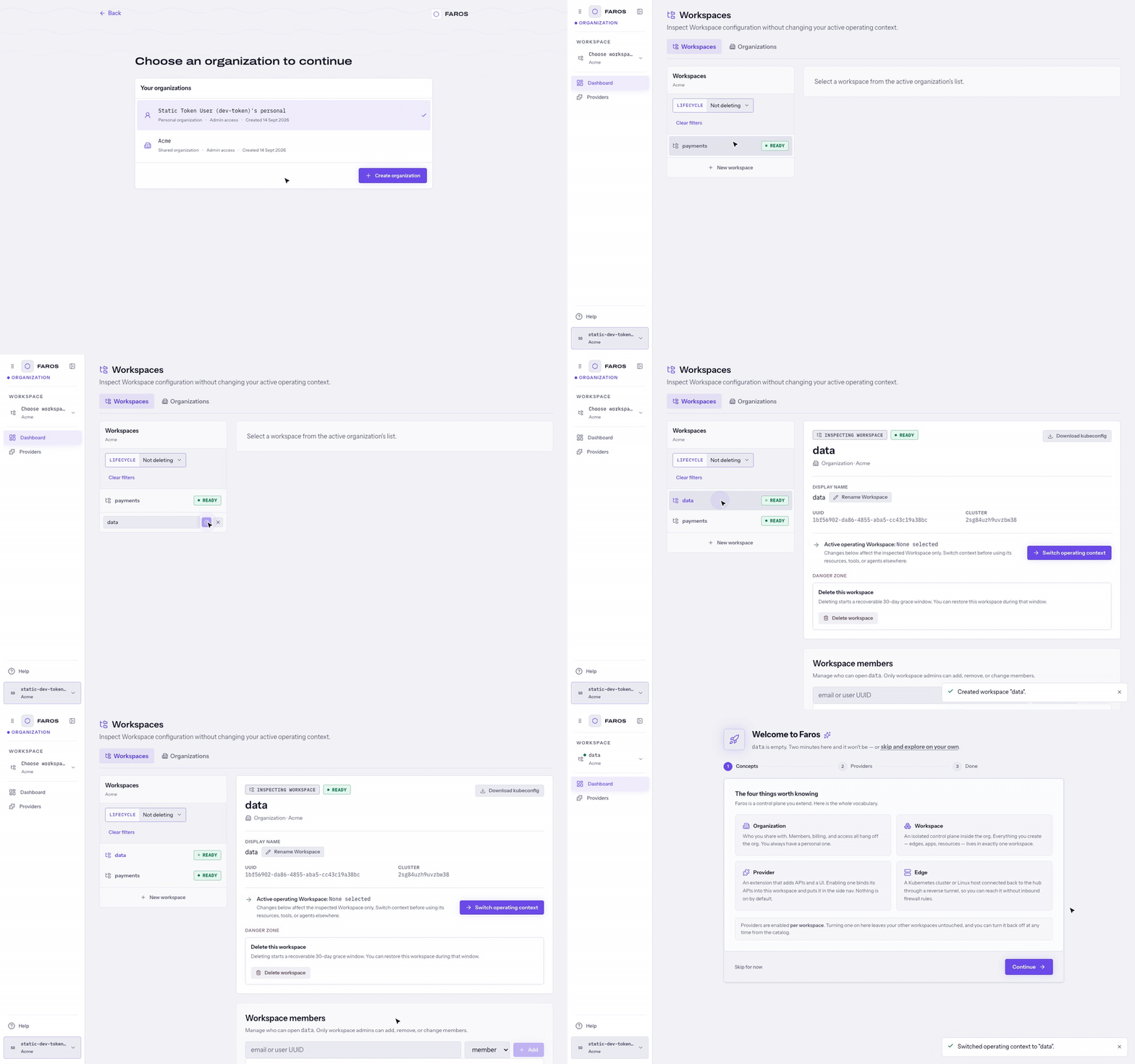
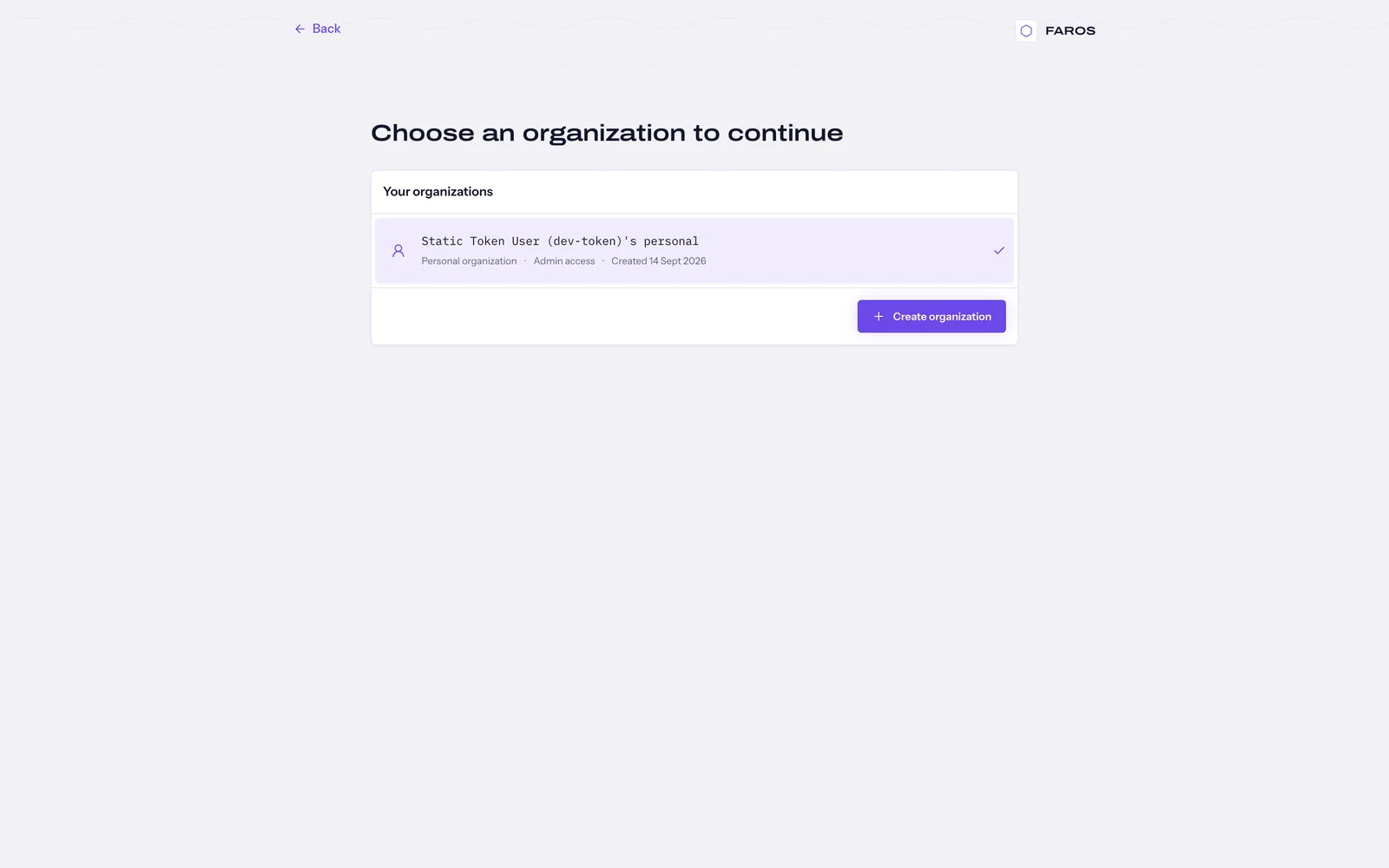
The CLI drives all of this with railgrid use
(pick org + workspace) and the portal has an equivalent switcher.
Membership and roles
Access is granted by memberships, at two scopes with two roles:
| Scope | Grants access to | Roles |
|---|---|---|
org | The organization — and implicitly every workspace in it | admin, member |
workspace | One specific workspace | admin, member |
Key behaviors:
- Org admins are admins of every child workspace — no per-workspace grant needed.
- Members can be added using existing users. Some console flows support pending users invited by email; verify the supported identity-provider flow on your deployment. See Add a teammate .
- Roles can be changed and members removed at any time; membership checks happen per request, so revocation is immediate.
- Whether plain members may create workspaces (and catalog entries) is a per-organization policy (
workspaceCreation: members|admin).
Inside a workspace, membership currently grants full admin rights over that workspace’s resources (finer-grained workspace roles are planned). Choose workspace boundaries accordingly: a workspace is a trust boundary, a role within it is not yet.
Managing memberships is done in the portal (organization settings), or via the REST API:
GET/POST   /api/orgs/{org}/memberships
PATCH/DELETE /api/orgs/{org}/memberships/{user}
GET/POST /api/orgs/{org}/workspaces/{ws}/membershipsAll membership writes are hub-mediated — tenants never touch the org’s underlying workspace directly.
Service accounts
For automation that shouldn’t ride on a person’s identity, create a service account scoped to a workspace (portal → workspace settings, or POST /api/orgs/{org}/workspaces/{ws}/serviceaccounts; requires workspace admin). You get:
- A Kubernetes ServiceAccount living in the workspace, labeled as railgrid-managed.
- A token (audience
railgrid), returned once at creation — store it then. - Access scoped to that one workspace: the token is pinned to the workspace’s logical cluster and can’t be replayed elsewhere. An SA token can never reach org-level operations.
Use service-account tokens for CI, MCP endpoints for AI agents, and anything long-lived.
Platform admins
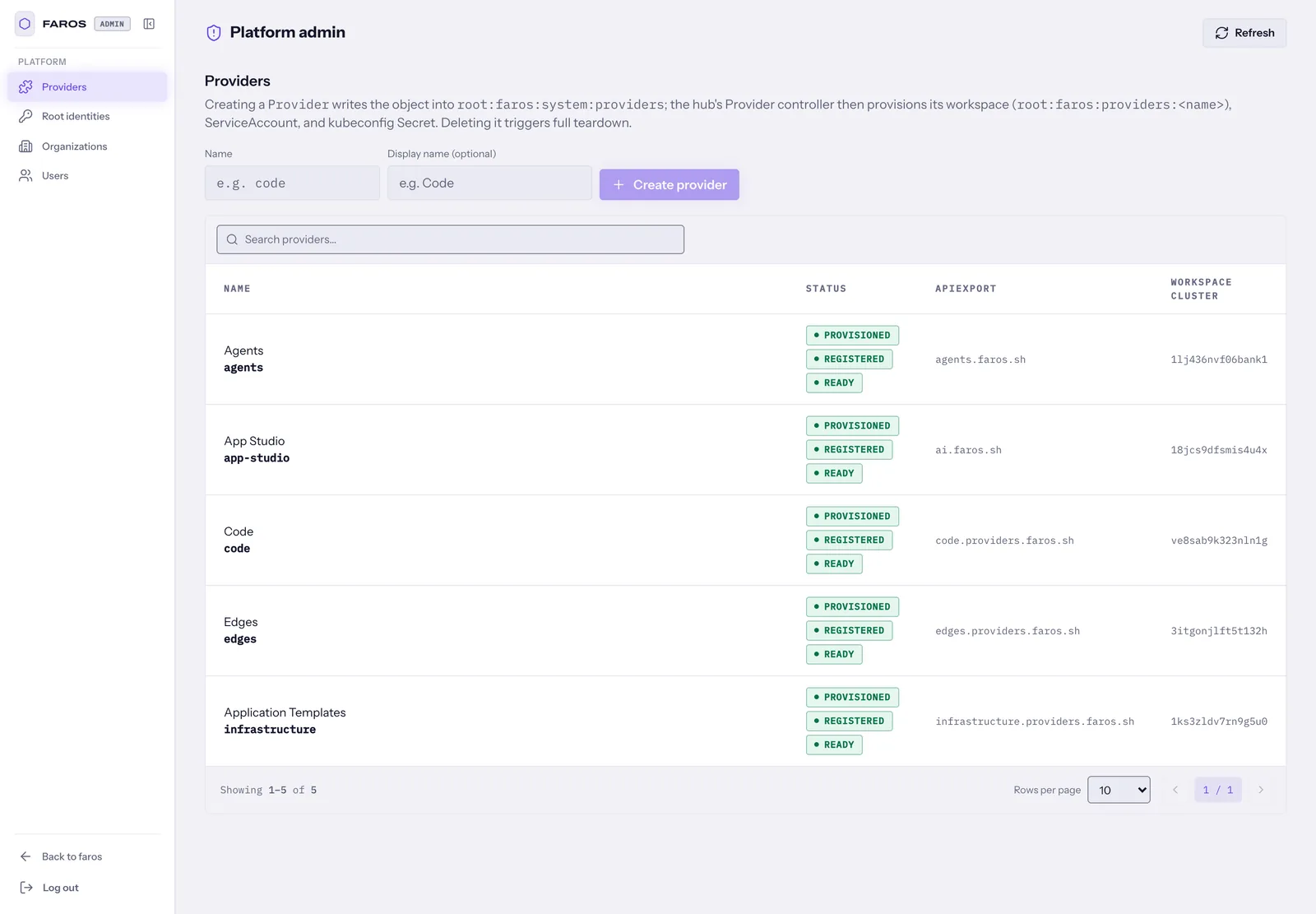
Entirely separate from org/workspace roles: the hub.adminUsers Helm value (repeatable --admin-users flag) lists identities — user name, email, or RBAC identity — allowed to use the hub’s admin surface: onboarding providers
, root-level identity views, and the /api/admin API. Empty list (the default) disables the admin surface completely. No auth method grants this implicitly — not OIDC, not static tokens.
How requests are scoped
Useful mental model when debugging:
- You authenticate (OIDC token, static token, or SA token).
- The active org/workspace ride along as
X-Railgrid-Org/X-Railgrid-Workspaceheaders — the CLI and portal set them from yourrailgrid useselection. - The hub checks your membership for that pair and rejects mismatches; the workspace’s logical cluster becomes the target of everything downstream (kubectl proxying, provider backends, MCP).
- Direct kcp access (
/clusters/<id>URLs in your kubeconfig) is gated by the same membership data — an org-scope membership covers all child workspaces, revocation applies on the next request.