Find your workspace and navigate the console
Know where you are working before creating resources.
An organization groups people and workspaces. A workspace is a Kubernetes-style logical API boundary with its own resources and enabled provider APIs. Select it before operating on resources. Human access depends on membership and authorization; a user can belong to more than one workspace.
A provider adds a capability such as App Studio or Edges. Enabling a provider binds its APIs into the selected workspace.
Read how Railgrid works for runtime boundaries, service accounts and credentials for identity details, or Administration to create and manage team access.
Navigate the console
Use the Railgrid SaaS hub. If your organization self-hosts Railgrid, use its hub URL and sign-in method instead.
- Sign in to the console.
- Use the organization and workspace switcher to select where you want to work.
- Open Providers to inspect the catalog and enabled capabilities.
- Open an enabled provider to use its resources. If it is unavailable, check provider enablement .
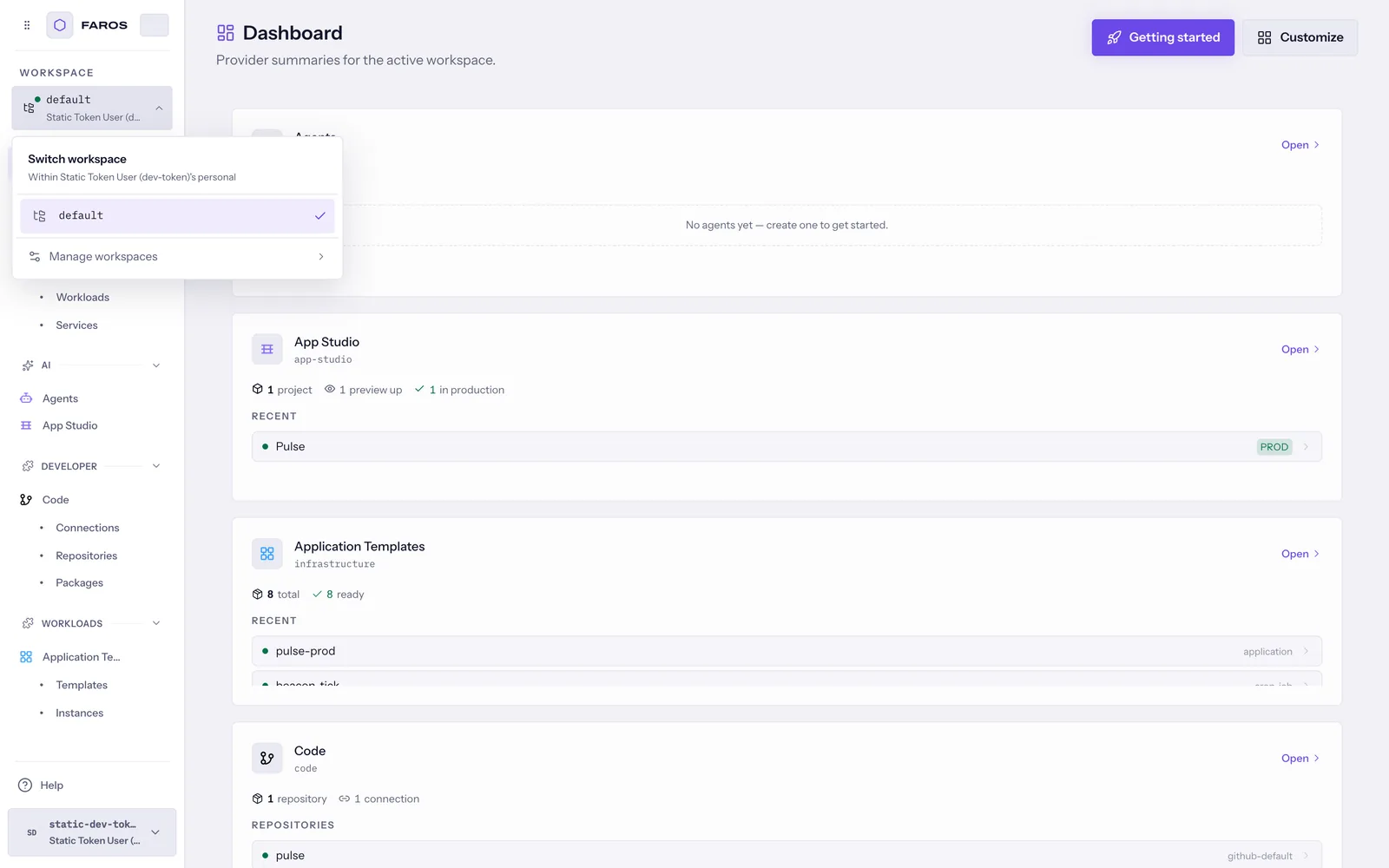
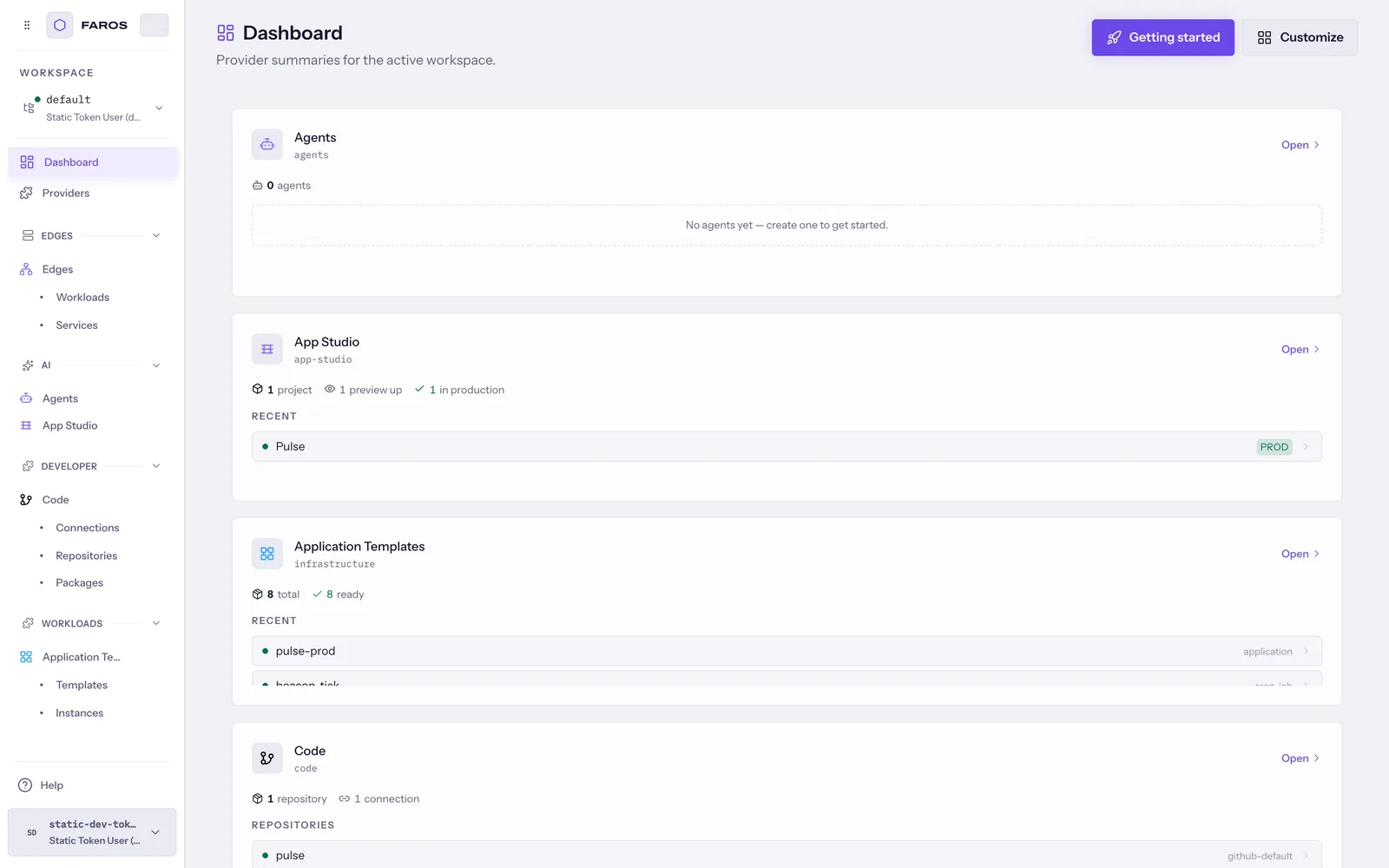
Verify your context
Before creating or deleting a resource, check the selected organization and workspace. Changing workspaces changes which resources, providers, and permissions are available.
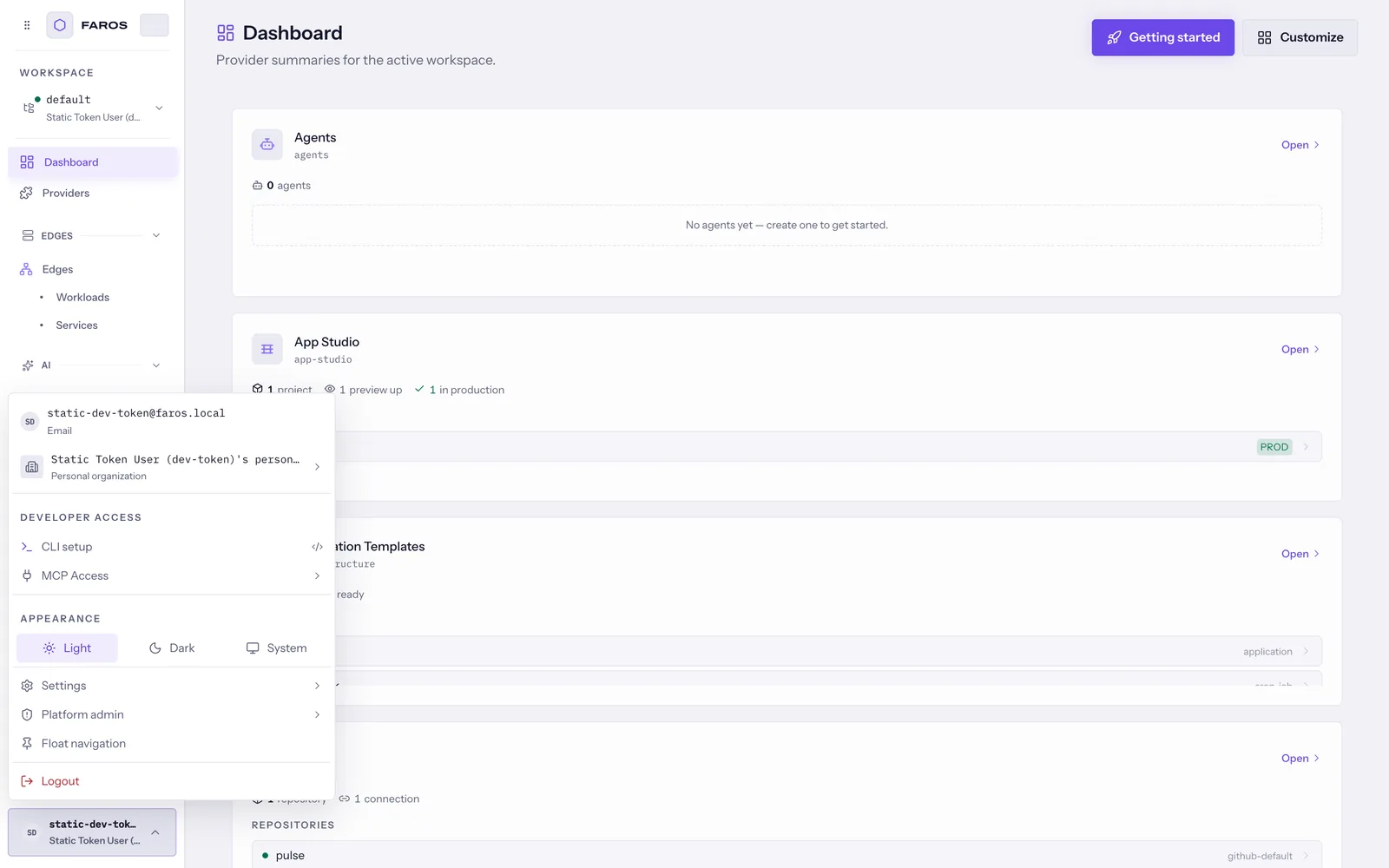
If a provider appears empty, check the workspace first. For missing permissions, ask a workspace administrator rather than creating another credential.
Next: choose your first task .